Documentation Menu
Meal Planning
Make great use of your recipe links and plan your meals.
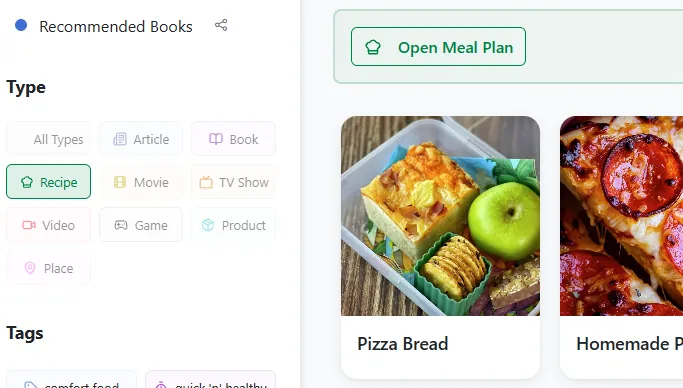
- Create a Collection: Add a few recipes you like to make.
- or Filter by Recipe Type: The meal plan becomes available if all filtered bookmarks are recipes.
- Press Open Meal Plan
You can now drag and drop recipes from your bookmarks on the meal plan. On mobile use long press to start dragging.
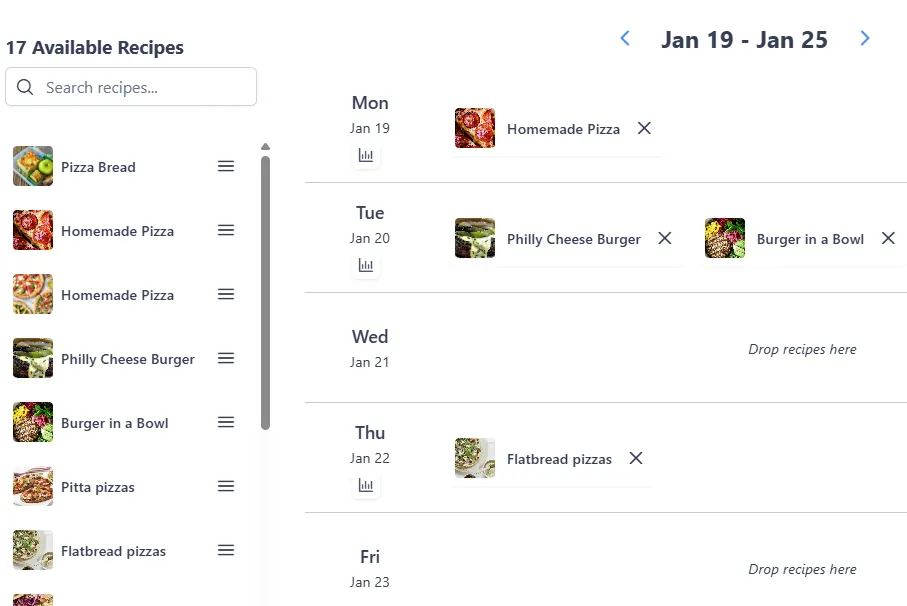
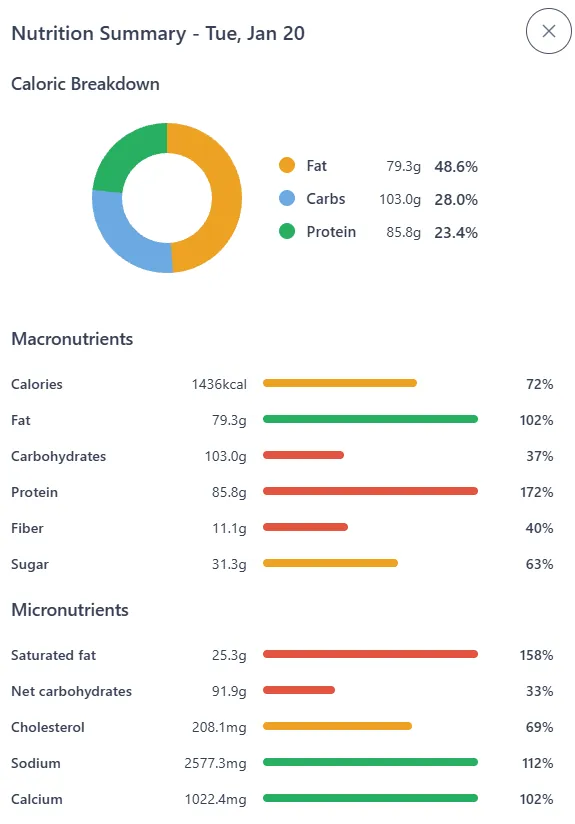
Underneath the date, you see a small chart symbol. Press that to get a daily summary of all the macro and micro nutrients. This way you can check whether your plan is solid and healthy.
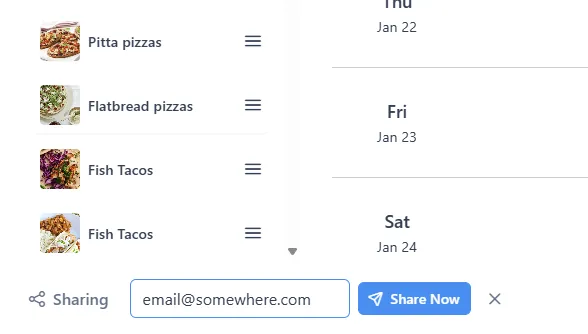
Once you're happy with your plan, save it or share it with another Linkflare user. Type the email they signed up with in the share field and they will get access to the exact same meal plan.